Category: Tips and Tutorials

Hot Off the Press: New WordPress.com Themes for April 2024
The WordPress.com team is always working on new design ideas to bring your website to life. Check out the latest themes in our library, including great options for minimalist bloggers, retailers, and creatives of all stripes. All WordPress.com Themes Alter Alter is a lean theme for bloggers that gets directly to the point, showing text-only…
Read More
Google Analytics vs. Jetpack Stats: Which One Should You Use?
Are you debating whether to use Google Analytics or Jetpack Stats for your WordPress website? Both are popular analytics platforms, but you might be wondering which one is the better fit for you. Especially with changes to the Jetpack Stats pricing model, you may be asking yourself whether switching to Google Analytics is worth it.…
Read More
26 Best Beaver Builder Themes and Templates
Are you looking for the best Beaver Builder themes and templates? There are many WordPress themes and templates built specifically for Beaver Builder to help you quickly create professional websites. Using such a theme or template makes the process a lot faster without compromising on design. In this article, we will share some of the…
Read More
Are Popups Still Relevant? The Future of Popup Marketing Explored
Popups are everywhere on the internet, but do they actually work or just annoy people? Popups are now much smarter and more common than ever before. However, despite their popularity, some website owners ask if popups still work. In this article, I will try to answer this question, discuss why popups are still relevant, and…
Read More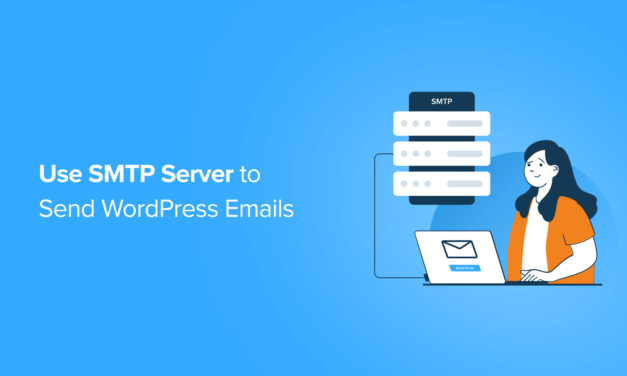
How to Use SMTP Server to Send WordPress Emails
Are you having trouble receiving or sending emails from your WordPress site? Email deliverability is one of the most important parts of running a website. From password reset emails to order confirmations, having a reliable email service is a must. In this article, we will show you how to use an SMTP server to send…
Read More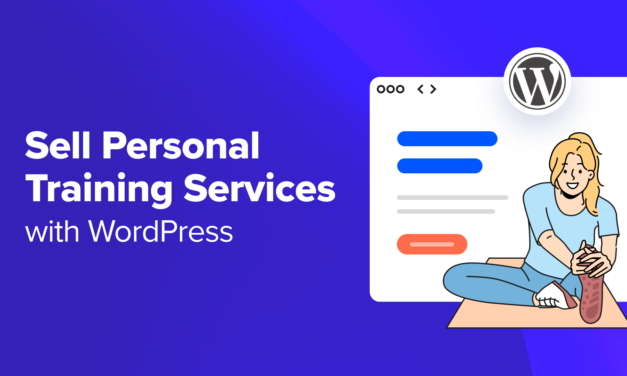
How to Sell Personal Training Services with WordPress
Do you want to sell your personal training services online? Luckily, WordPress lets you create a simple payment form or even an entire membership site to sell your personal training services. This will allow clients to ask about your services and schedule training sessions directly through your website, helping you grow your business. In this…
Read More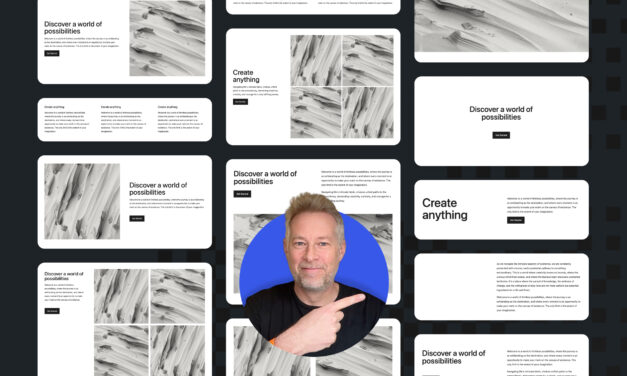
WordPress Block Patterns Give You Superpowers
With the power of block patterns you’ll be a WordPress superstar in no time, whether you’re an establish pro or just starting out. Block patterns are professionally designed layouts that you can add your site in a single click. What makes them especially powerful is that once they’re inserted, you can edit and customize every…
Read More
How to Notify Users Only on Replies to Their WordPress Comments
Do you want to notify users only on replies to their WordPress comments? By default, users won’t know that someone has replied to their comment unless they come back to the comment section and see the response. This makes it hard to generate in-depth discussions and debates on your website. In this article, we will show…
Read More
9 Best WooCommerce Multi-Vendor Plugins (Compared)
Are you looking for the best WooCommerce multi-vendor plugins? Creating your own online store is great, but you could potentially earn more money by letting other sellers rent a small part of the space. With multi-vendor plugins, you can turn your eCommerce site into a professional-looking marketplace, such as eBay, Amazon, or Etsy. In this…
Read More
WordPress Security Tip: Add Google Authenticator 2-Step Verification
Do you want to add Google Authenticator 2-step verification to your WordPress site? Passwords alone aren’t enough to ward off hackers and unauthorized users. Luckily, using Google Authenticator 2-step verification can add an extra layer of security to your website. In this article, we will show you how to add 2-step verification on your WordPress…
Read More
Amazon FBA vs. Dropshipping: The Best Option for Online Stores
Want to know the differences between Amazon FBA vs. dropshipping so that you can start your own online store? Fulfillment by Amazon (FBA) and dropshipping are two different options for delivering goods that your customers order online. Whether you are starting an online store from scratch, expanding your retail operations onto the internet, or having…
Read More
How to Do an SEO Competitor Analysis in WordPress (2 Easy Ways)
Are you wondering what strategies your competitors are using to grow their organic traffic? Doing an SEO competitor analysis can uncover a world of information. Instead of guessing which keywords to target or links to build, you can see what your competition is doing and use that information to improve your site’s SEO. In this…
Read More
- 1
- ...
- 2
- 3
- 4
- 5
- 6
- 7
- 8
- 9
- 10
- 11
- 12
- 13
- 14
- 15
- 16
- 17
- 18
- 19
- 20
- 21
- 22
- 23
- 24
- 25
- 26
- 27
- 28
- 29
- 30
- 31
- 32
- 33
- 34
- 35
- 36
- 37
- 38
- 39
- 40
- 41
- 42
- 43
- 44
- 45
- 46
- 47
- 48
- 49
- 50
- 51
- 52
- 53
- 54
- 55
- 56
- 57
- 58
- 59
- 60
- 61
- 62
- 63
- 64
- 65
- 66
- 67
- 68
- 69
- 70
- 71
- 72
- 73
- 74
- 75
- 76
- 77
- 78
- 79
- 80
- 81
- 82
- 83
- 84
- 85
- 86
- 87
- 88
- 89
- 90
- 91
- 92
- 93
- 94
- 95
- 96
- 97
- 98
- 99
- 100
- 101
- 102
- 103
- 104
- 105
- 106
- 107
- 108
- 109
- 110
- 111
- 112
- 113
- 114
- 115
- 116
- 117
- 118
- 119
- 120
- 121
- 122
- 123
- 124
- 125
- 126
- 127
- 128
- 129
- 130
- 131
- 132
- 133
- 134
- 135
- 136
- 137
- 138
- 139
- 140
- 141
- 142
- 143
- 144
- 145
- 146
- 147
- 148
- 149
- 150
- 151
- 152
- 153
- 154
- 155
- 156
- 157
- 158
- 159
- 160
- 161
- 162
- ...
- 163